See the setting.
Explore the clubhouse, café and riding galleries.
YOUR FIRST VISIT
A guide to the illustrative club environment and the conversations a first visit might begin.
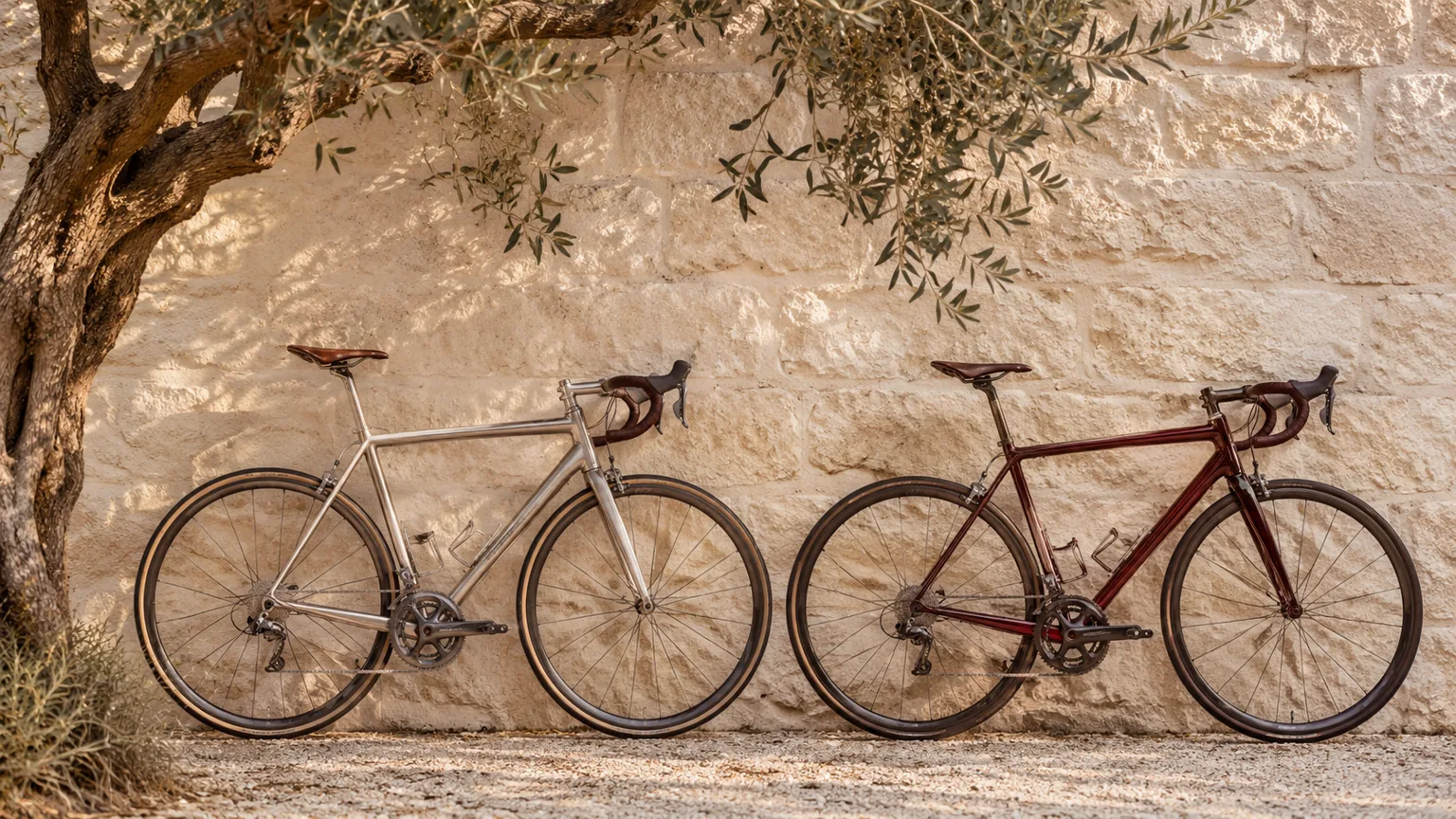
YOUR FIRST VISIT
Explore the clubhouse, find a riding direction and consider the questions you would bring to a real club team.
Plan a first visitYOUR FIRST VISIT
Explore the clubhouse, café and riding galleries.
Consider the kind of club experience you would like to understand.
A real club team would confirm location, access, arrangements and practical requirements.
PRACTICAL CONTEXT
The photographs show an imagined club. A real venue would provide its confirmed address, opening hours, accessibility and visit arrangements here.
Try the contact preview with sample details. It creates a local review, without sending a message or reserving a visit.
Try the inquiry preview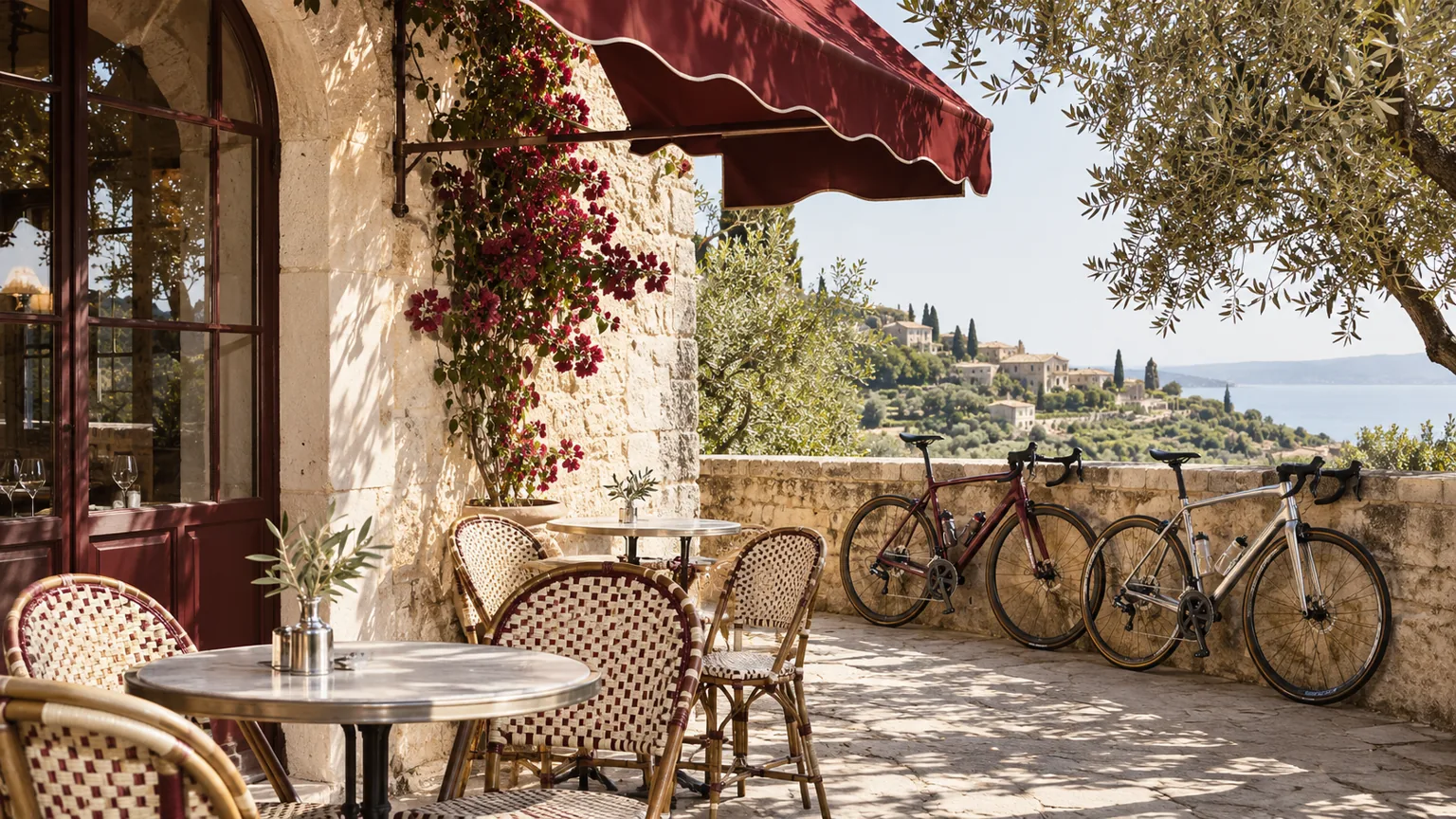
THE CAFÉ
A stone terrace, the warmth of a cup and room for the conversation after the ride. Explore the illustrative clubhouse and its quieter moments.
Visit the caféBEFORE THE FIRST RIDE
CADENCE is an illustrative website concept. Its people, venue, riding scenes and editorial stories are imagined, with original AI-generated photographs.
No. Rides, membership and contact controls are local previews. They do not book, send, charge or reserve anything.
The route pages are visual editorial concepts. No actual location, distance, elevation, access or road condition is verified. They provide no navigation or GPX files.
Open a photograph to see its complete frame. Use the arrow buttons, left/right keys or a swipe to move; press Escape to close.
The contact preview only displays details in the current page. Nothing is sent or stored. Clear preview removes the sample summary.